News and articles
Blog
Drop news, retailer notes and botting articles from the NikeShoeBot team.
1,854 posts · page 5 of 186
-
NSB8: Updates on the Best Sneaker, Retail & Collectibles Bot
Being a sneakerhead, collector, or reseller is all about embracing the culture: sneakers, streetwear, trading cards, you name it. However, it doesn't come without…
-

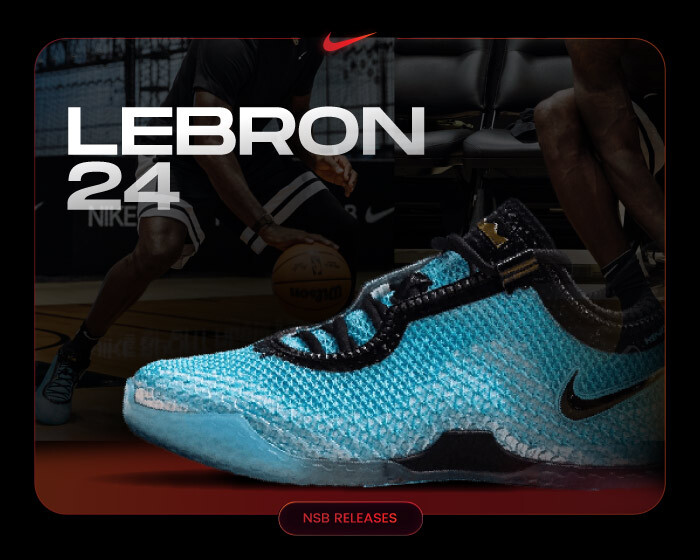
Nike LeBron 24 Is Unveiled With a Light & Simple Build!
Nike and LeBron James have officially unveiled the Nike LeBron 24, the latest installment in one of basketball’s longest-running signature lines (minus Jordan Brand).…
-

How to Test Sneaker Proxies Before a Drop
A proxy list can look fine when it is imported and still fail when tasks need it. Expired credentials, incorrect formatting, depleted traffic, an…
-
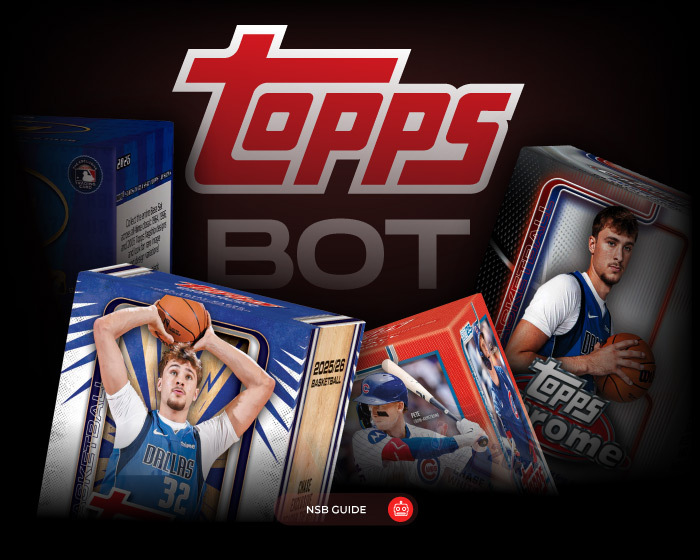
Topps Bot – Why You Need One to Cop the Rare Trading Cards!
Collecting trading cards might sound like a simple hobby, but boy, is it more complex than it sounds! If you ever tried to manually…
-
Best Nike Bots – How to Ace That Nike SNKRS Drop!
Sneakers, community, botting- that’s what we’re all here for. And in the sneaker industry, anything can go down at any given moment, especially in…
-
Riot Games Bot: How NikeShoeBot Automation Is Winning Hard
Somewhere between the moment a Riot Games raffle opens and the moment it closes, thousands of "real" entries may not be real at all.…
-
Where to Buy Nike Mind 001 Triple Black [& More Colorways!]
Did you think that the Nike Mind hype died down? Well, think again! Once again, we have a cool lineup of Nike Mind 001…
-
Every Jordan Shoe Box Through the Years – The Full List!
The Air Jordan legacy is inarguably one of the most influential footwear lines in the world. And let’s not get into apparel and more.…
-

The 24-Hour Sneaker Drop Preparation Checklist
The final 24 hours before a sneaker release should be used to verify your setup, not rebuild it. A clear sequence helps you catch…
-

Home PC vs VPS for Sneaker Botting: Which Setup Do You Need?
A virtual private server can give you a dedicated remote environment for running sneaker bot tasks, but that does not mean every user needs…